> ## Documentation Index
> Fetch the complete documentation index at: https://docs.westyx.cloud/llms.txt
> Use this file to discover all available pages before exploring further.
# Create a service
> Add a backend or frontend service to your project.
A service is the unit of work in Nexus - it gets its own slug-based endpoint, API keys, and three types of data storage: secrets, configs, and flags. See the [Glossary](/concepts/glossary) for a full definition of service types.
## Steps
In the left sidebar, click **Projects**, then click on the project you want to add a service to.
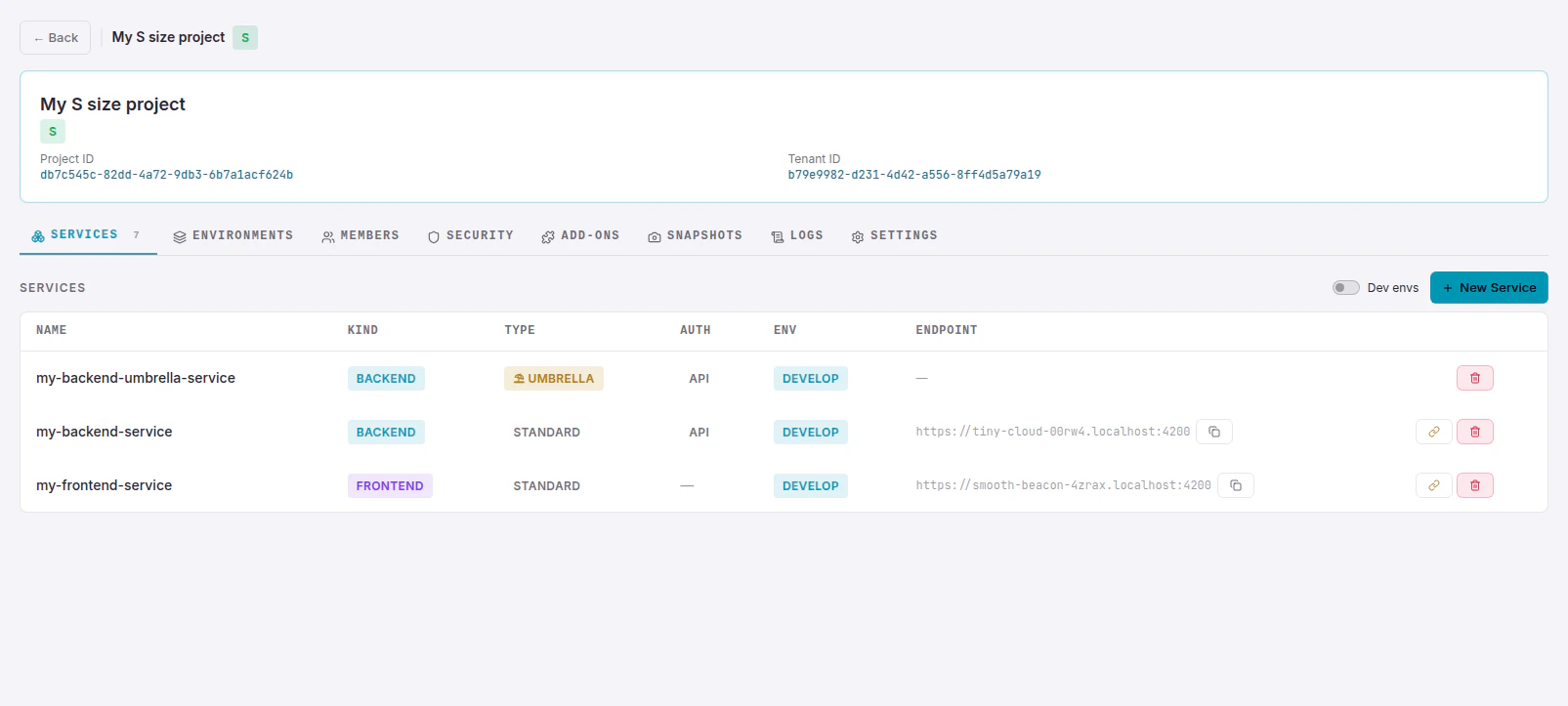
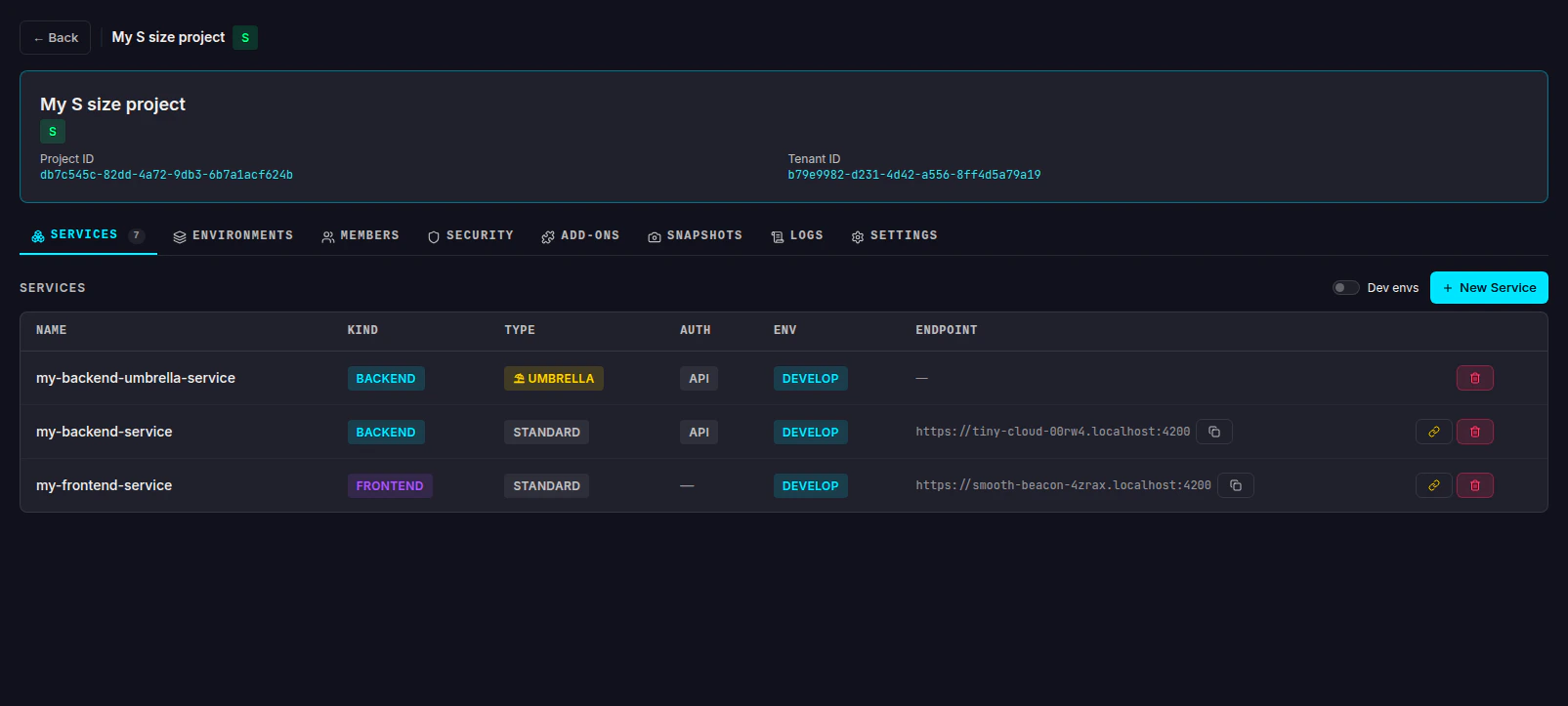
On the **Services** tab, click the **+ New Service** button in the top-right corner.
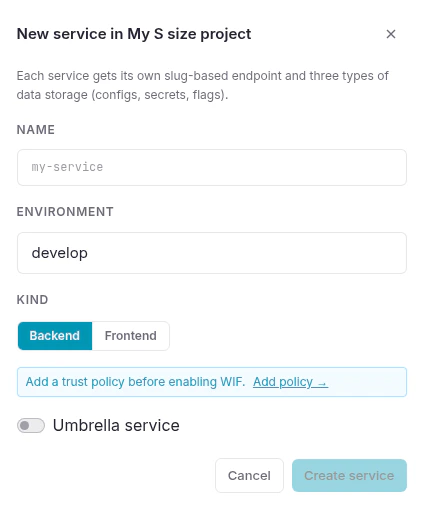
 **Name** - a slug-style identifier for the service (e.g. `my-backend-api`).
**Environment** - select which of the project's environments this service belongs to. The available options depend on your project's tier.
**Kind** - choose between Backend and Frontend:
Backend services use secret key pairs (`wxs_...`). They can store secrets, configs, and flags.
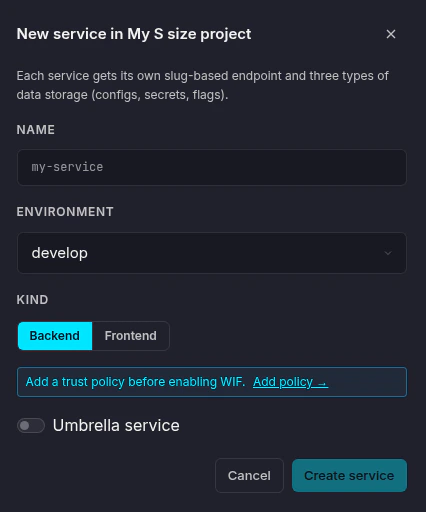
**Name** - a slug-style identifier for the service (e.g. `my-backend-api`).
**Environment** - select which of the project's environments this service belongs to. The available options depend on your project's tier.
**Kind** - choose between Backend and Frontend:
Backend services use secret key pairs (`wxs_...`). They can store secrets, configs, and flags.
 If your project uses Workload Identity Federation, add a trust policy before connecting - use the **Add policy →** link in the dialog.
Frontend services use public key pairs (`wxp_...`). They support configs and flags only - secrets are never sent to the browser.
If your project uses Workload Identity Federation, add a trust policy before connecting - use the **Add policy →** link in the dialog.
Frontend services use public key pairs (`wxp_...`). They support configs and flags only - secrets are never sent to the browser.
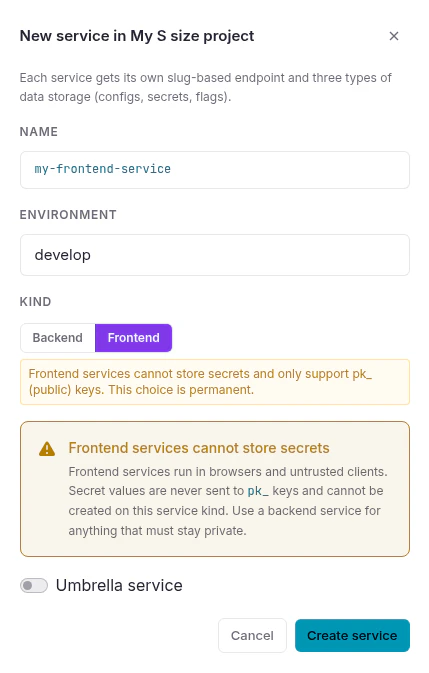
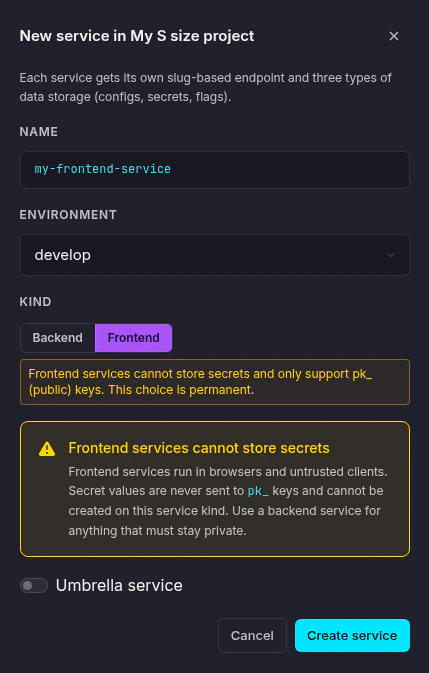 The service kind is permanent and cannot be changed after creation.
Toggle **Umbrella service** if you want this service to act as a shared store for other services of the same kind. An umbrella service has no endpoint or API keys of its own - it only provides secrets, configs, and flags to the services linked to it.
See the [Glossary](/concepts/glossary#umbrella-service) for a full explanation of how umbrella services work.
Click **Create service**. The service detail panel opens on the right.
The service kind is permanent and cannot be changed after creation.
Toggle **Umbrella service** if you want this service to act as a shared store for other services of the same kind. An umbrella service has no endpoint or API keys of its own - it only provides secrets, configs, and flags to the services linked to it.
See the [Glossary](/concepts/glossary#umbrella-service) for a full explanation of how umbrella services work.
Click **Create service**. The service detail panel opens on the right.
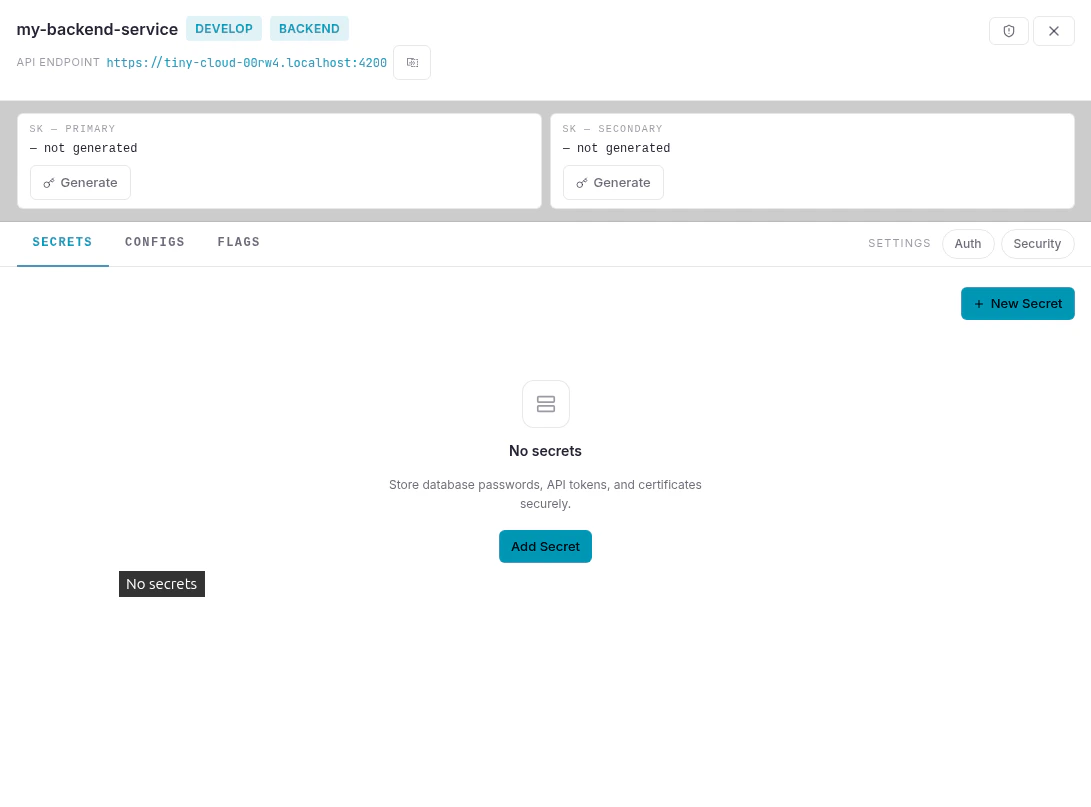
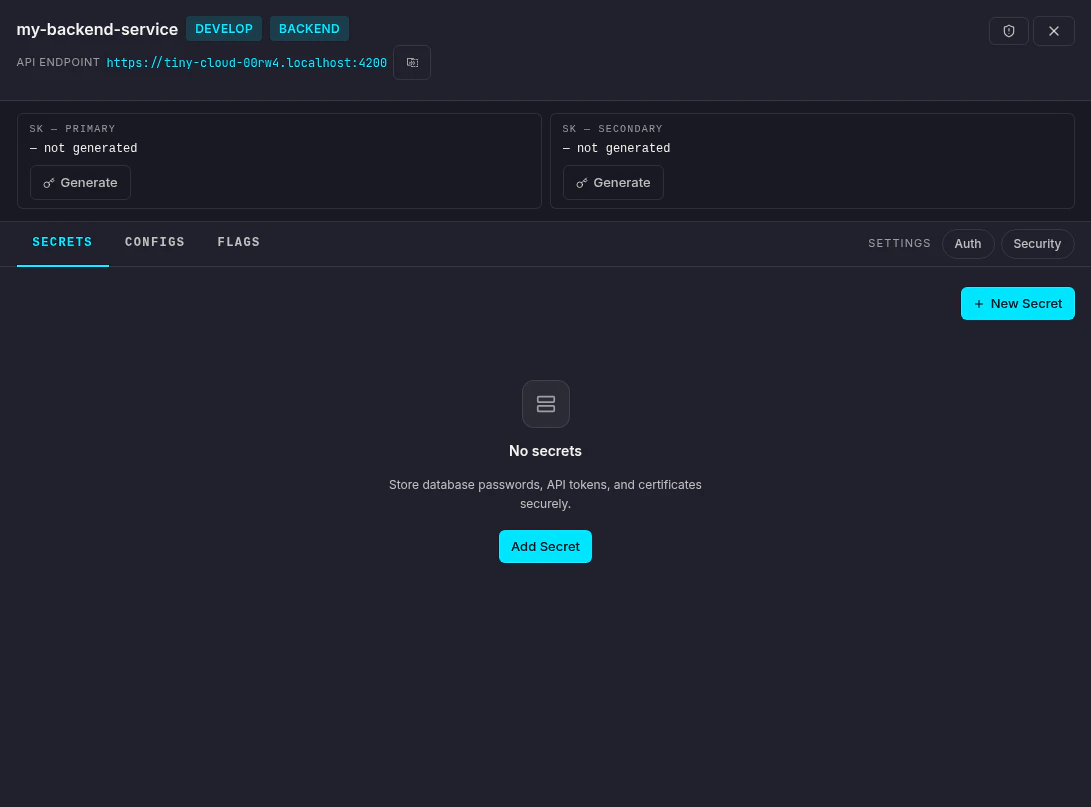 Generate your **SK - Primary** key to start connecting SDKs. A secondary key is available for zero-downtime key rotation.
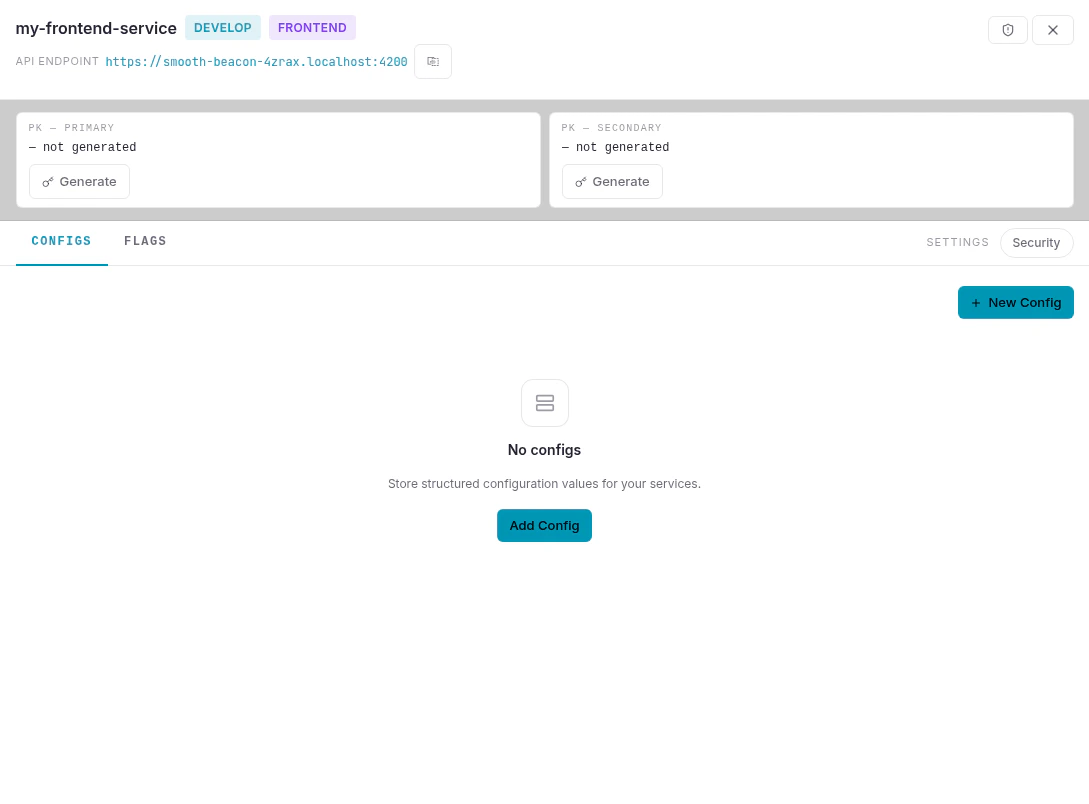
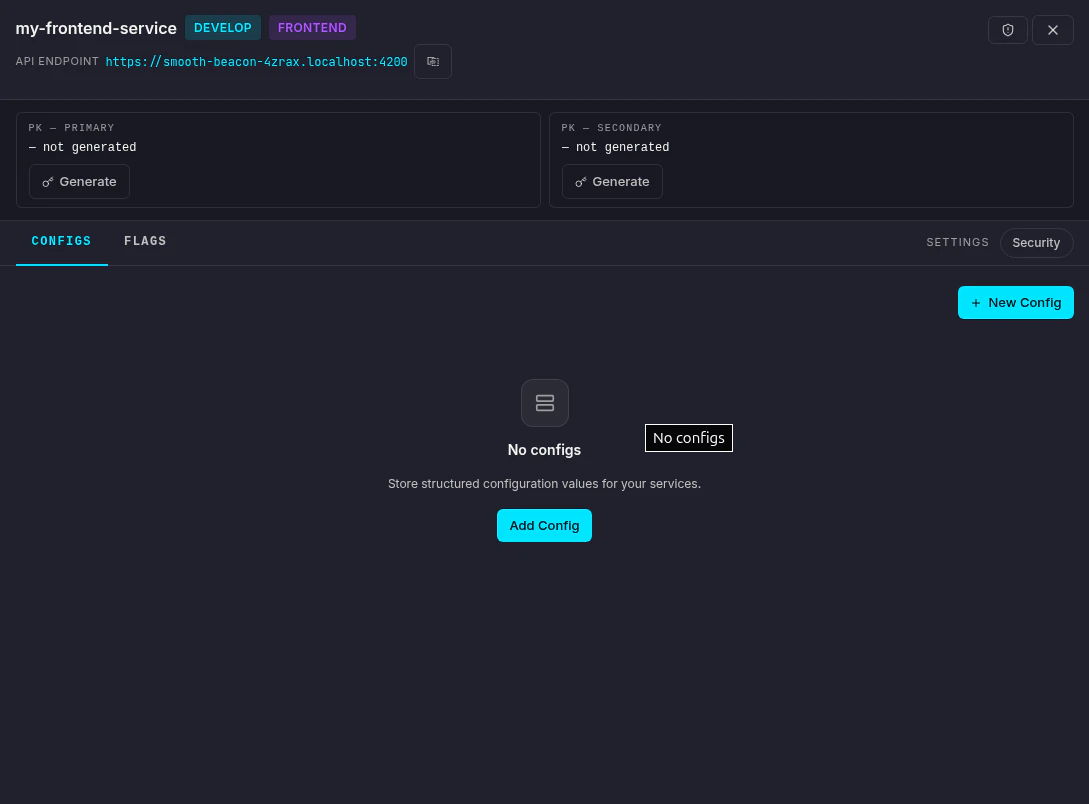 Generate your **PK - Primary** key to start connecting SDKs.
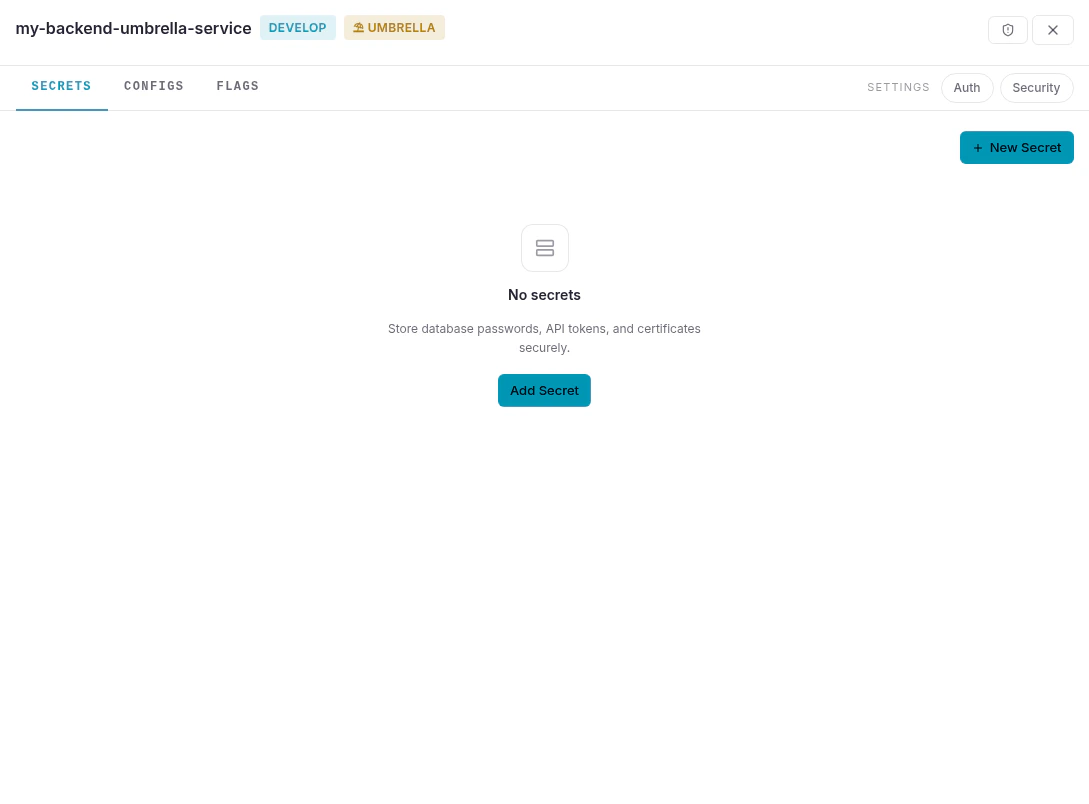
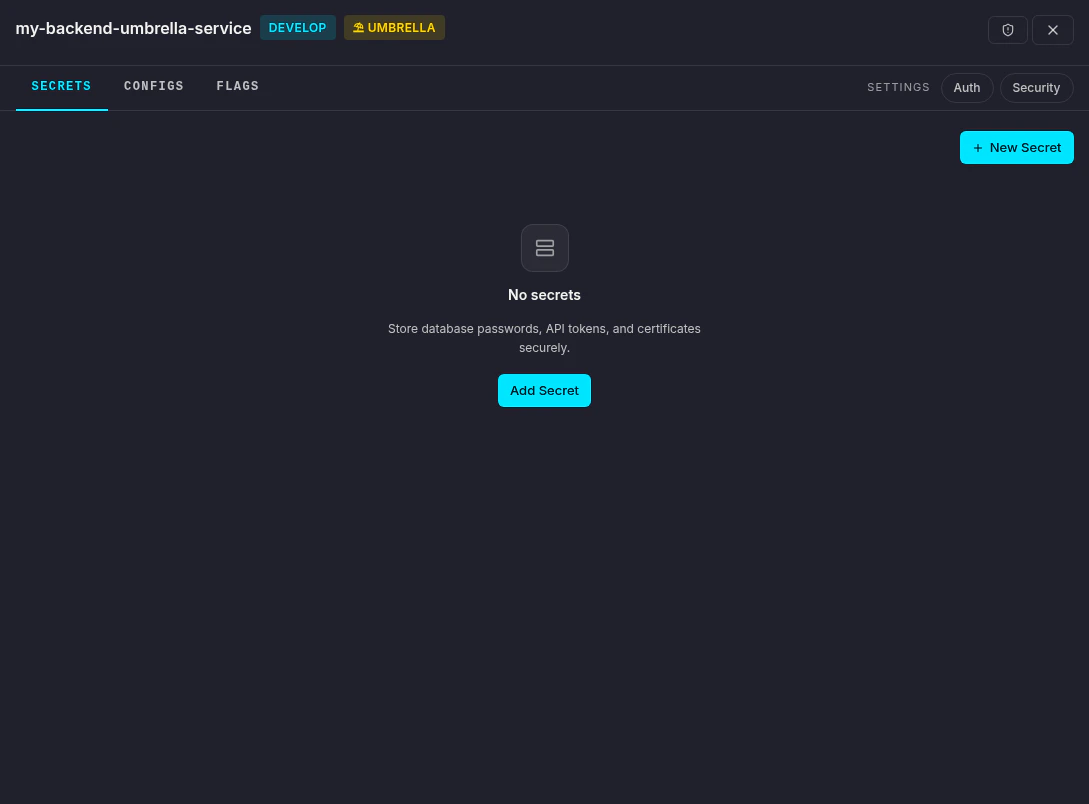 An umbrella service has no API keys or endpoint. Add secrets, configs, and flags here, then link other services to it.
## Link a service to an umbrella
To link an existing service to an umbrella, click the **chain link icon** (⛓) on the right side of the service row in the services list.
An umbrella service has no API keys or endpoint. Add secrets, configs, and flags here, then link other services to it.
## Link a service to an umbrella
To link an existing service to an umbrella, click the **chain link icon** (⛓) on the right side of the service row in the services list.
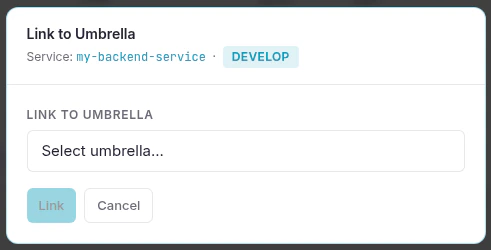
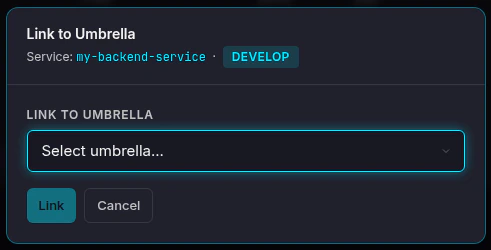 Select the umbrella service from the dropdown and click **Link**.
## Developer environments
Each developer on the project gets their own personal **developer environment** with full freedom to create and modify services. These are hidden by default in the services list to avoid clutter - toggle **Dev envs** in the top-right corner to show them.
## Next steps
Store an encrypted secret in your service.
Add a typed configuration value.
Connect an SDK to your new service.
Understand the core concepts behind Nexus.
Select the umbrella service from the dropdown and click **Link**.
## Developer environments
Each developer on the project gets their own personal **developer environment** with full freedom to create and modify services. These are hidden by default in the services list to avoid clutter - toggle **Dev envs** in the top-right corner to show them.
## Next steps
Store an encrypted secret in your service.
Add a typed configuration value.
Connect an SDK to your new service.
Understand the core concepts behind Nexus.