
Steps
1
Open your service
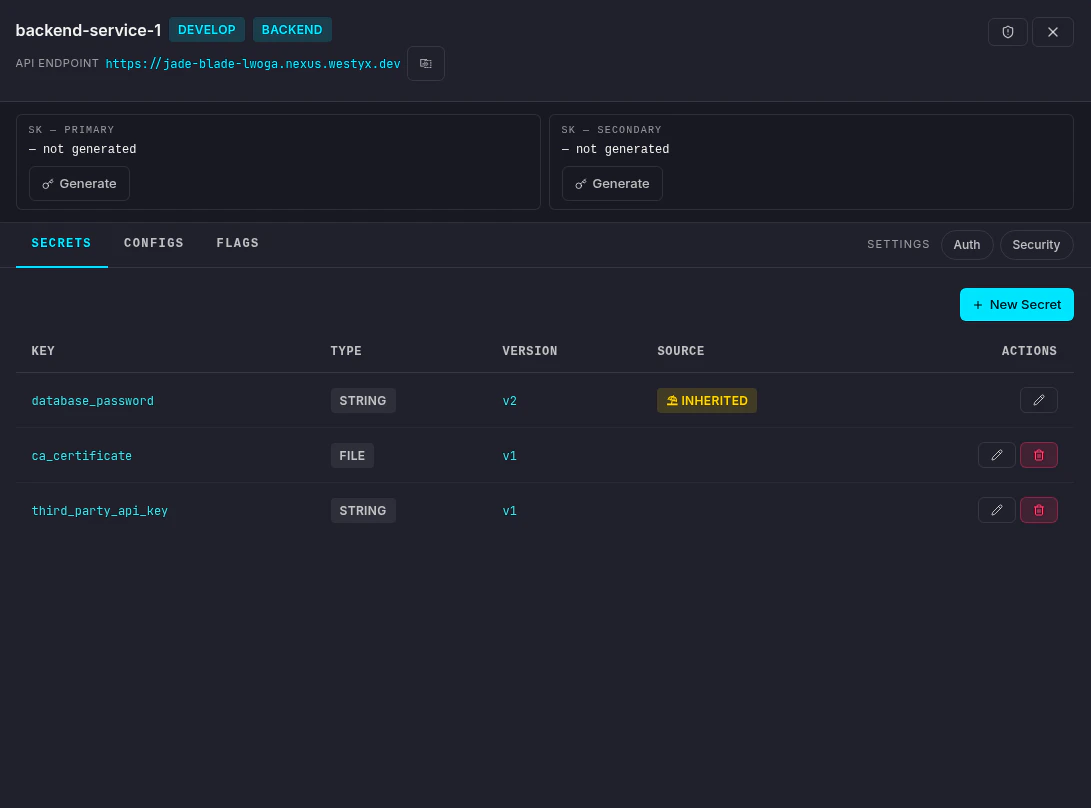
Navigate to your project, click on your backend service, and select the Secrets tab.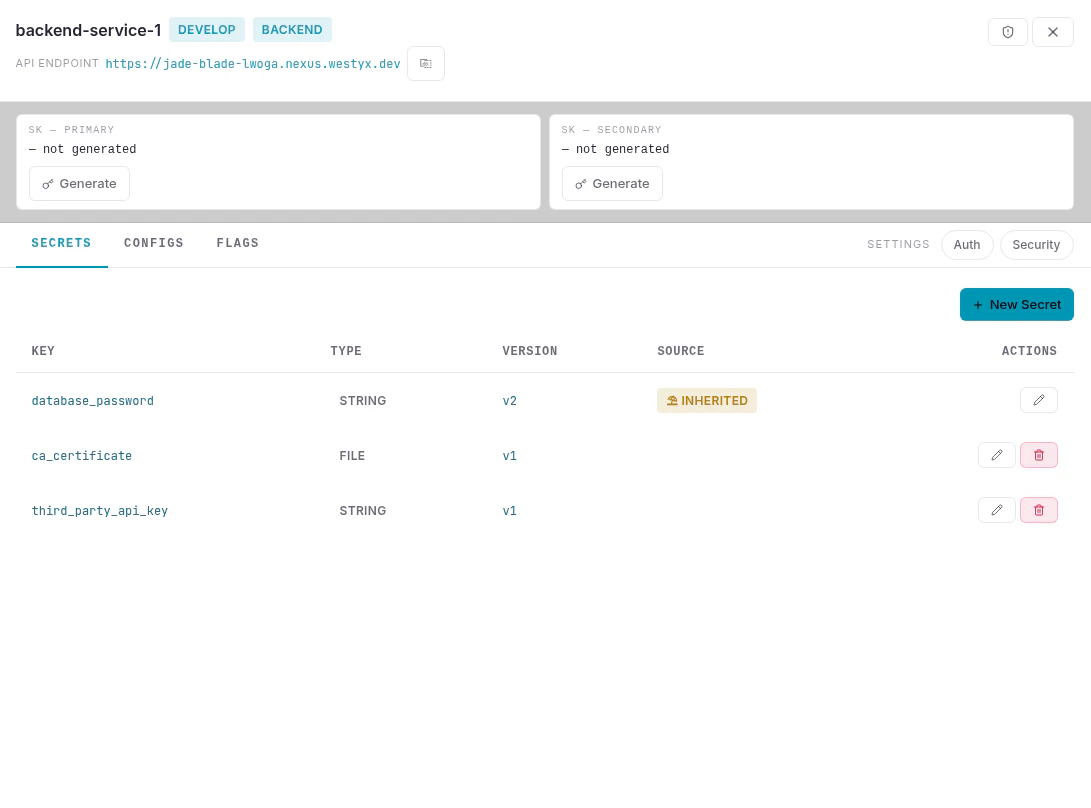
2
Create a new secret
Click + New Secret. An inline form appears at the top of the list.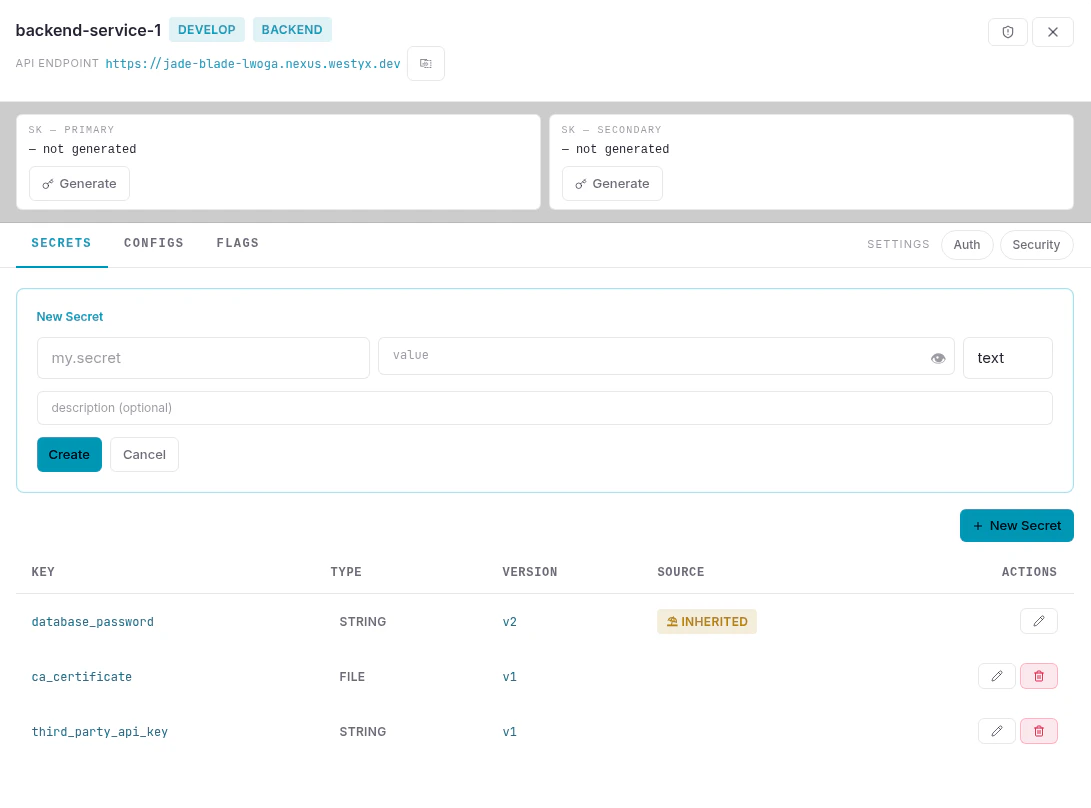
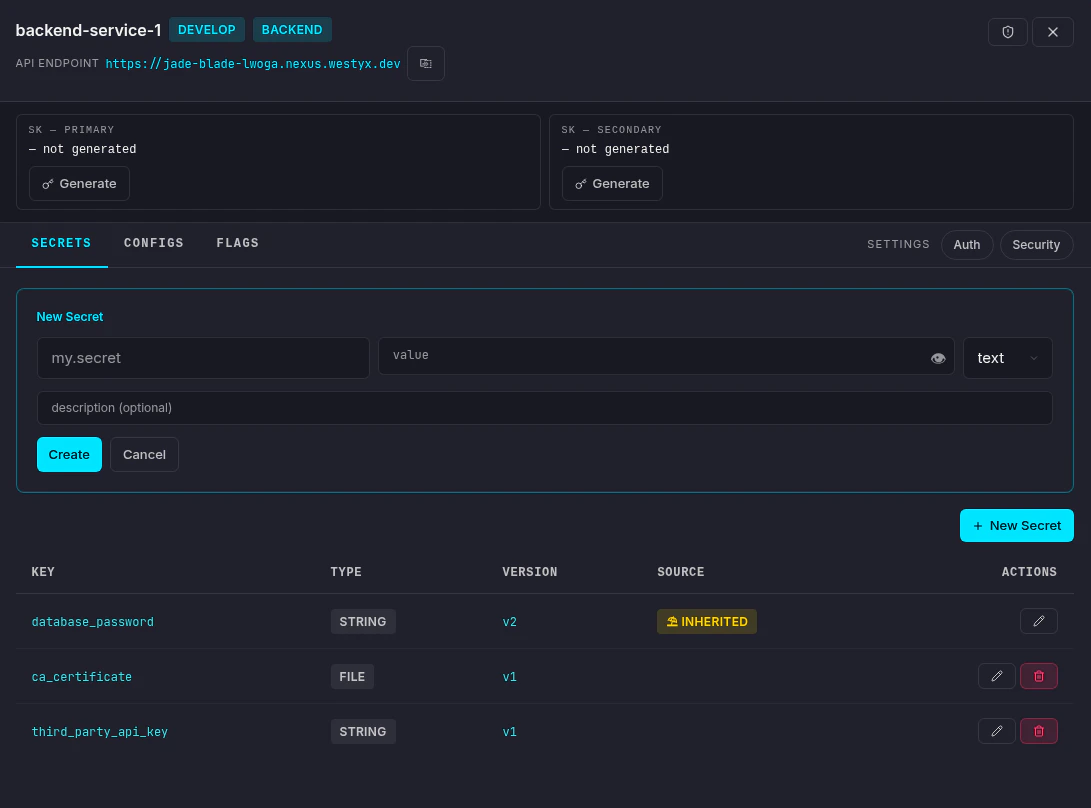
Click Create.
3
Secret is created
The secret appears in the list with its type, current version (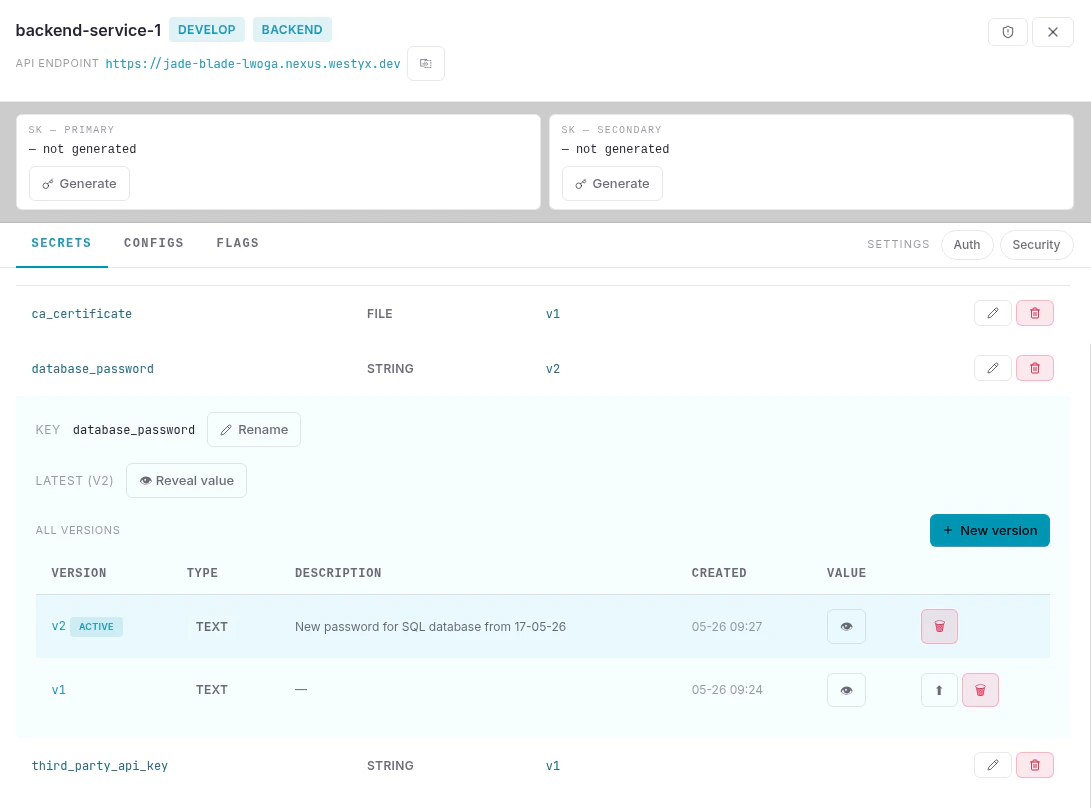
v1), and source.Click the edit icon (✏️) to expand the detail view, where you can reveal the value, rename the key, add new versions, or restore a previous one.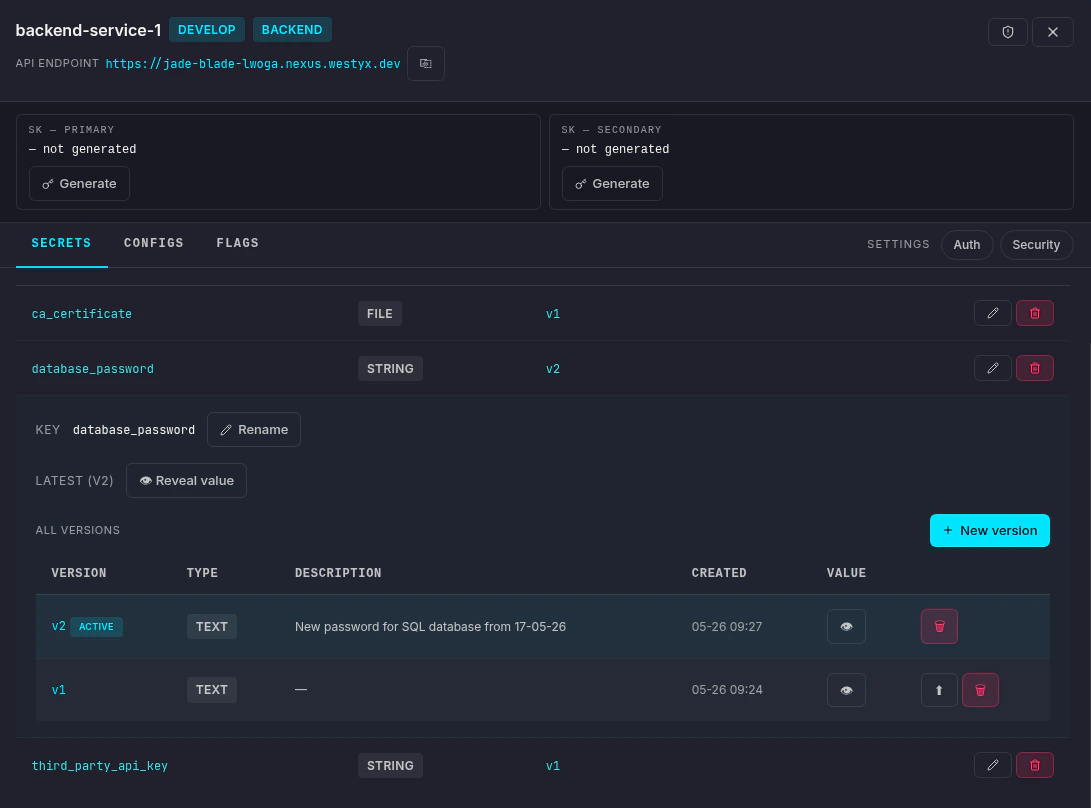
Versioning
Every value change creates a new version. The latest version is marked ACTIVE and is what the SDK reads. Older versions remain available - click ↑ on any previous version to restore it (this creates a new version with the old value, keeping the full history intact).Inherited secrets
Secrets marked INHERITED come from a linked umbrella service. To change the value for all linked services, click the edit icon and use the Open umbrella button to navigate there directly. If you need a different value on this service only, create a new secret with the same key - it will take precedence over the inherited one.Next steps
Create a config
Add a typed configuration value to your service.
Create a feature flag
Roll out features gradually with targeting rules.
Secrets reference
Full reference: audit trail, file secrets, retention.