
Steps
1
Open your project
In the left sidebar, click Projects, then click on the project you want to add a service to.
2
Create a new service
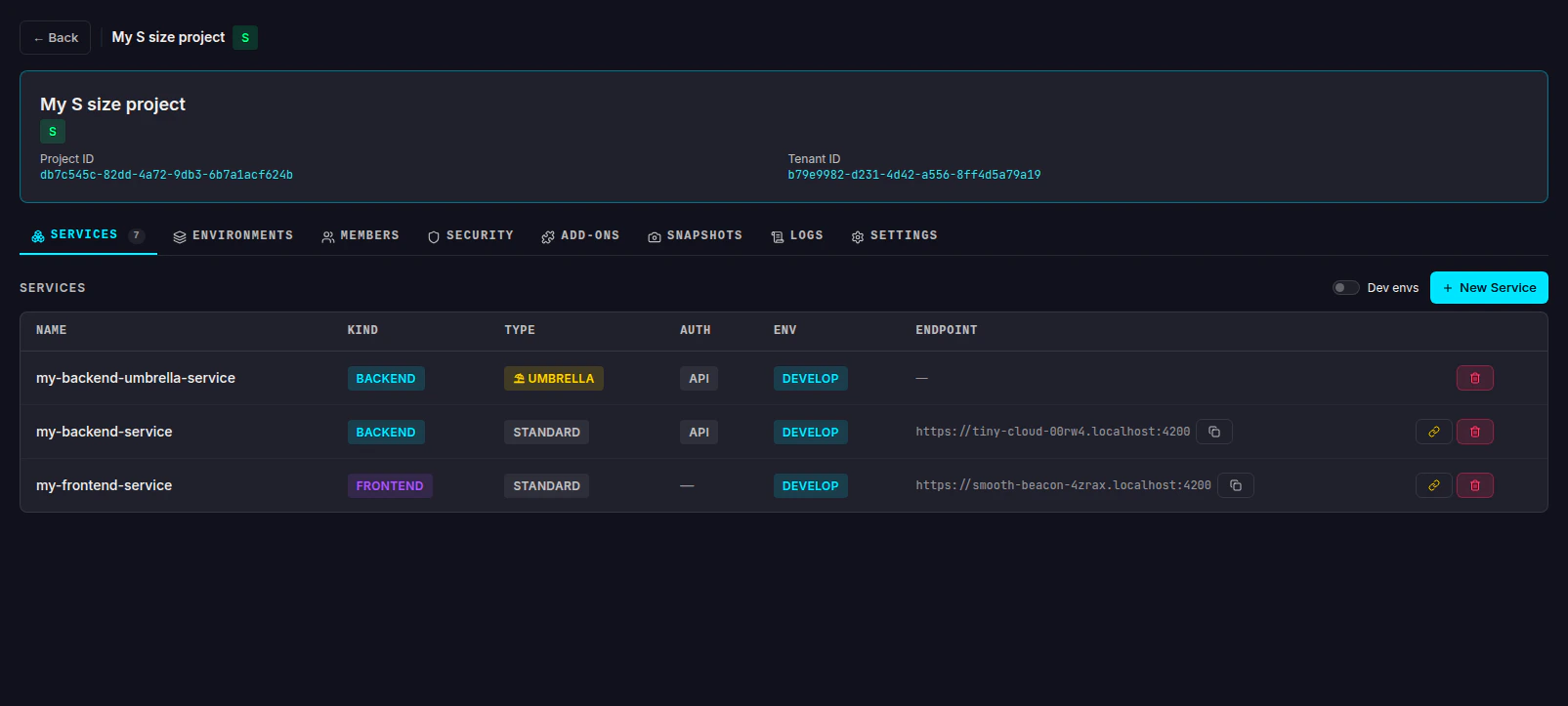
On the Services tab, click the + New Service button in the top-right corner.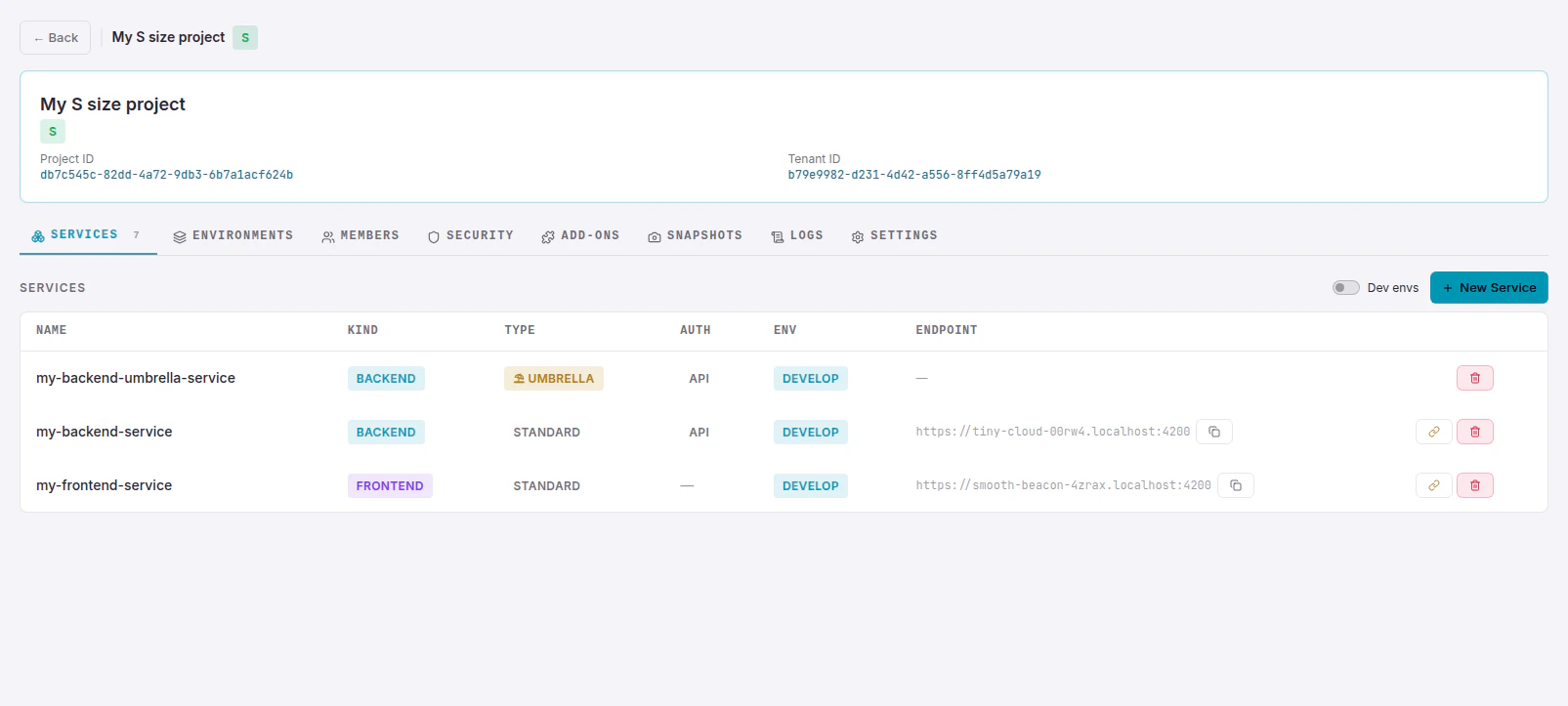
3
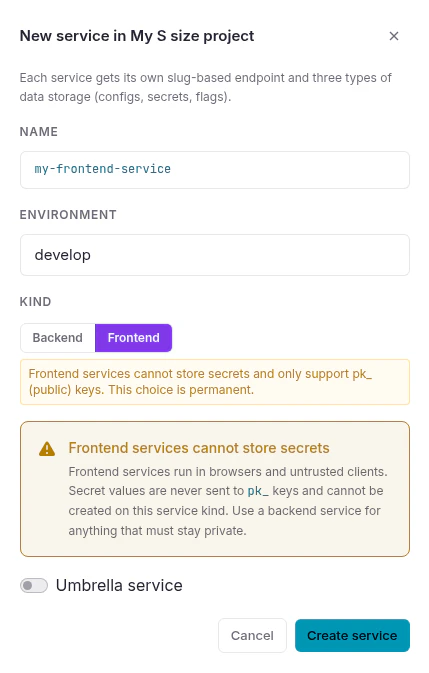
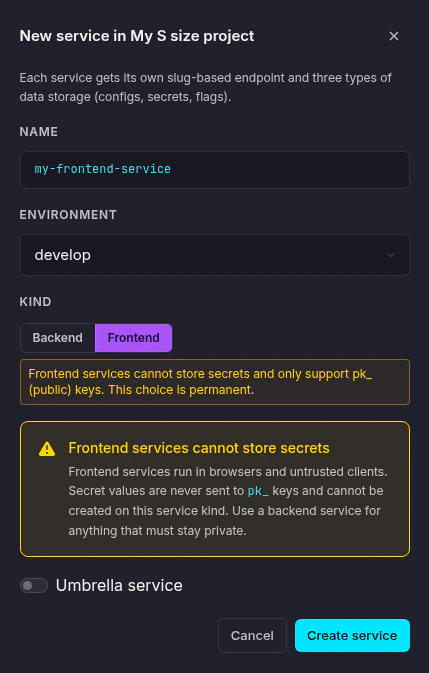
Fill in the service details
Name - a slug-style identifier for the service (e.g.
my-backend-api).Environment - select which of the project’s environments this service belongs to. The available options depend on your project’s tier.Kind - choose between Backend and Frontend:- Backend
- Frontend
Backend services use secret key pairs (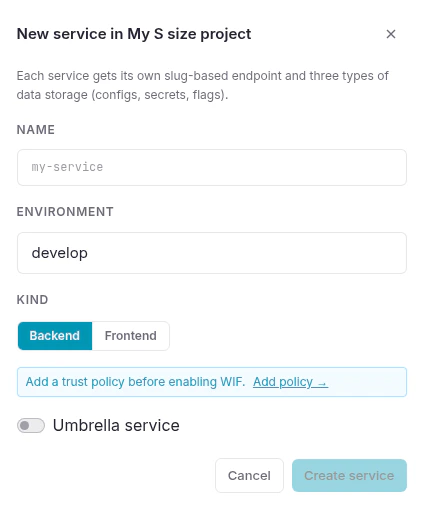
wxs_...). They can store secrets, configs, and flags.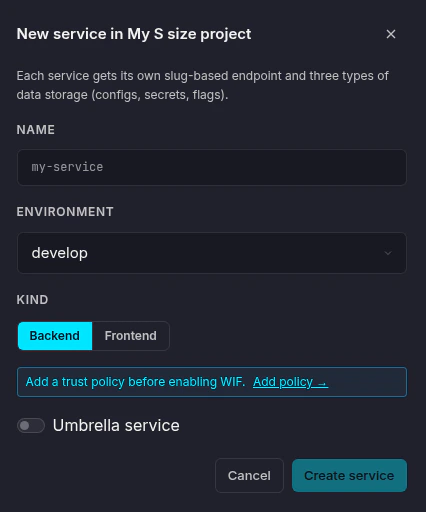
If your project uses Workload Identity Federation, add a trust policy before connecting - use the Add policy → link in the dialog.
4
Optionally enable Umbrella mode
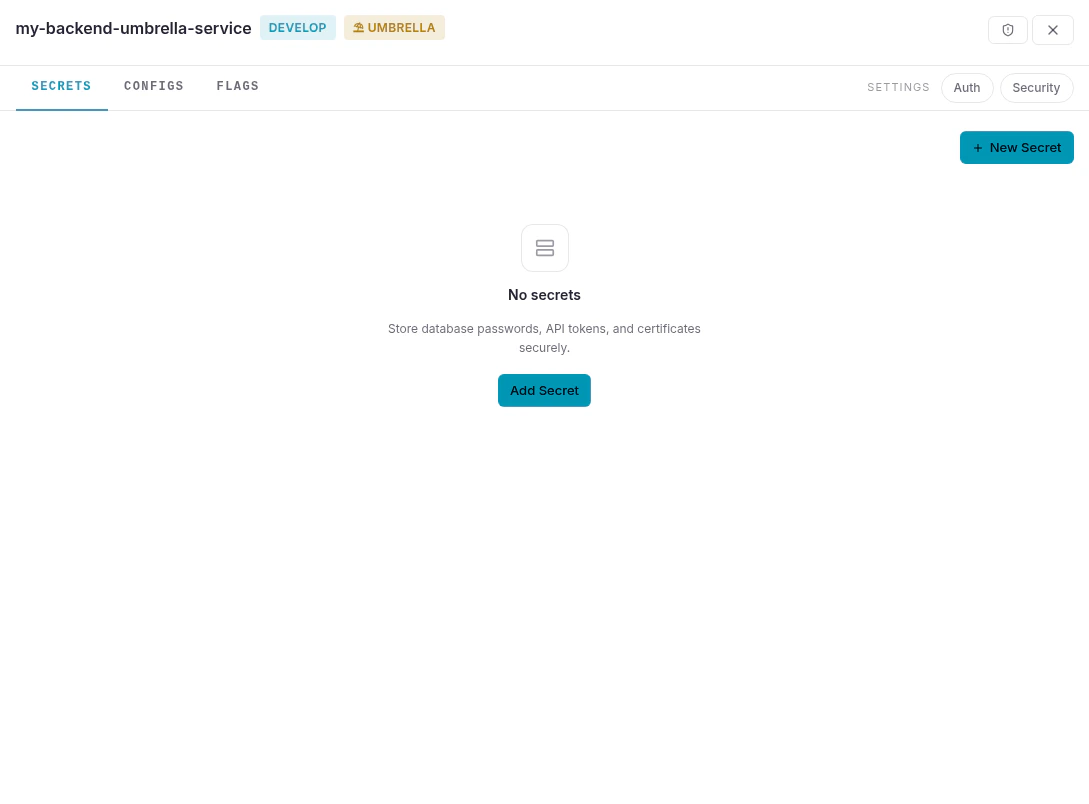
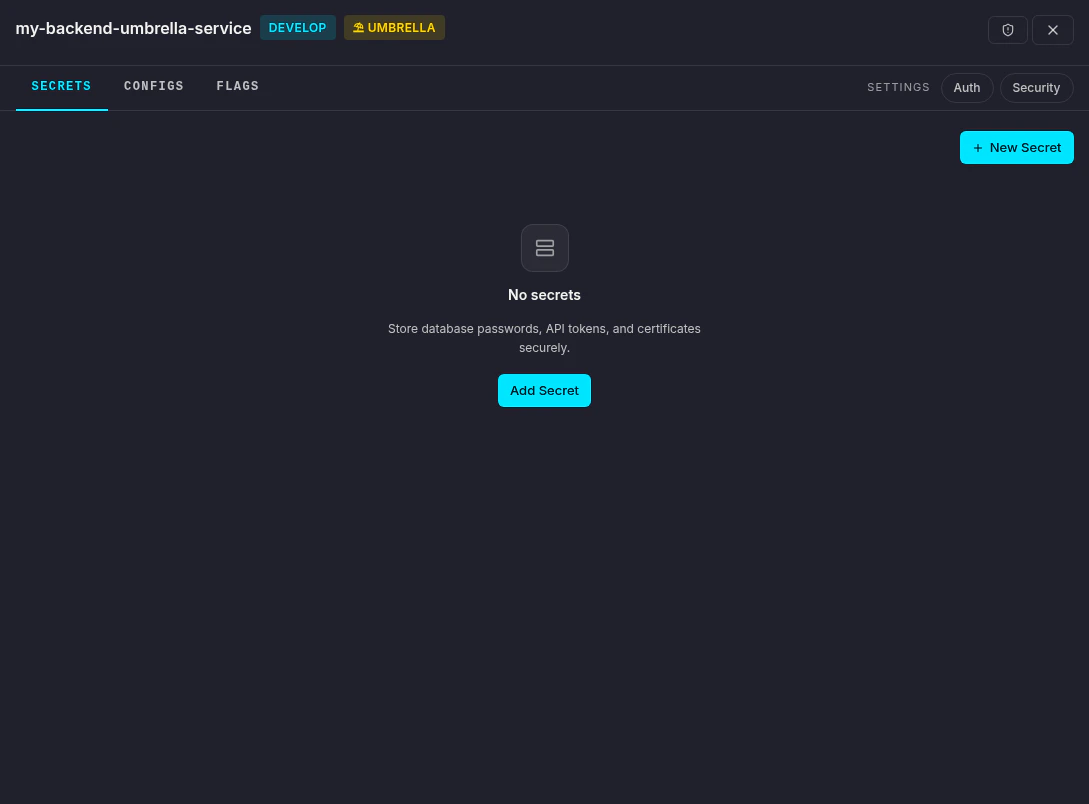
Toggle Umbrella service if you want this service to act as a shared store for other services of the same kind. An umbrella service has no endpoint or API keys of its own - it only provides secrets, configs, and flags to the services linked to it.See the Glossary for a full explanation of how umbrella services work.
5
Create the service
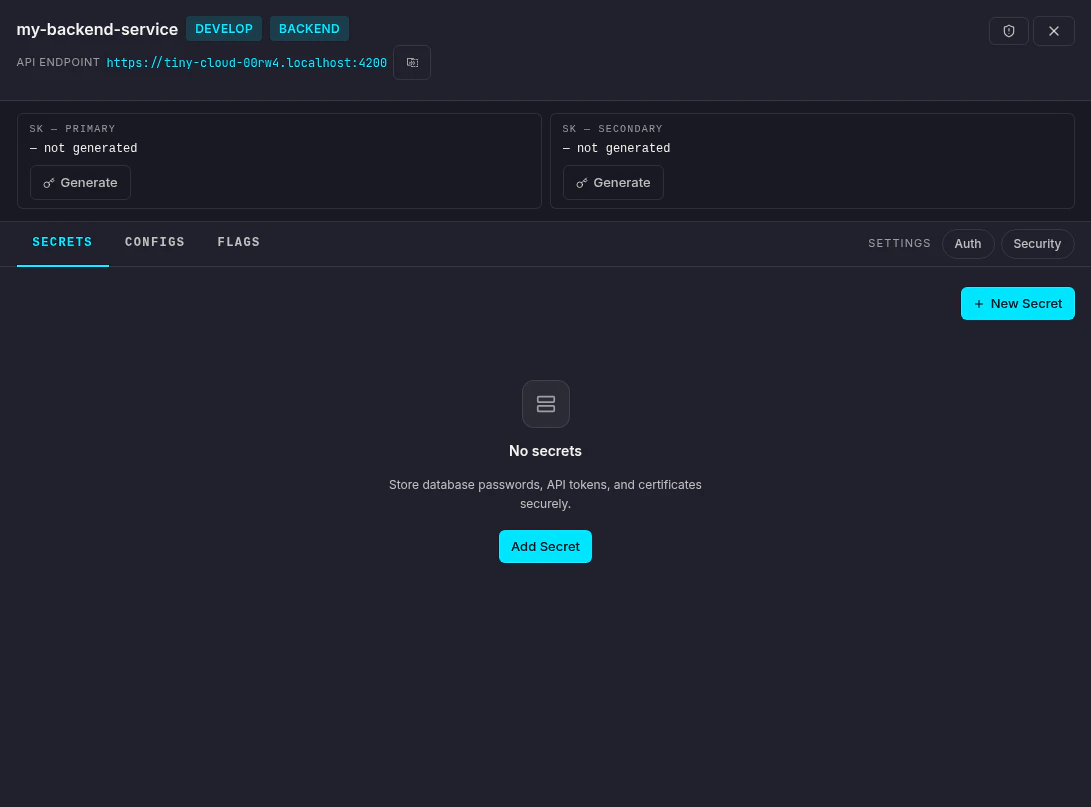
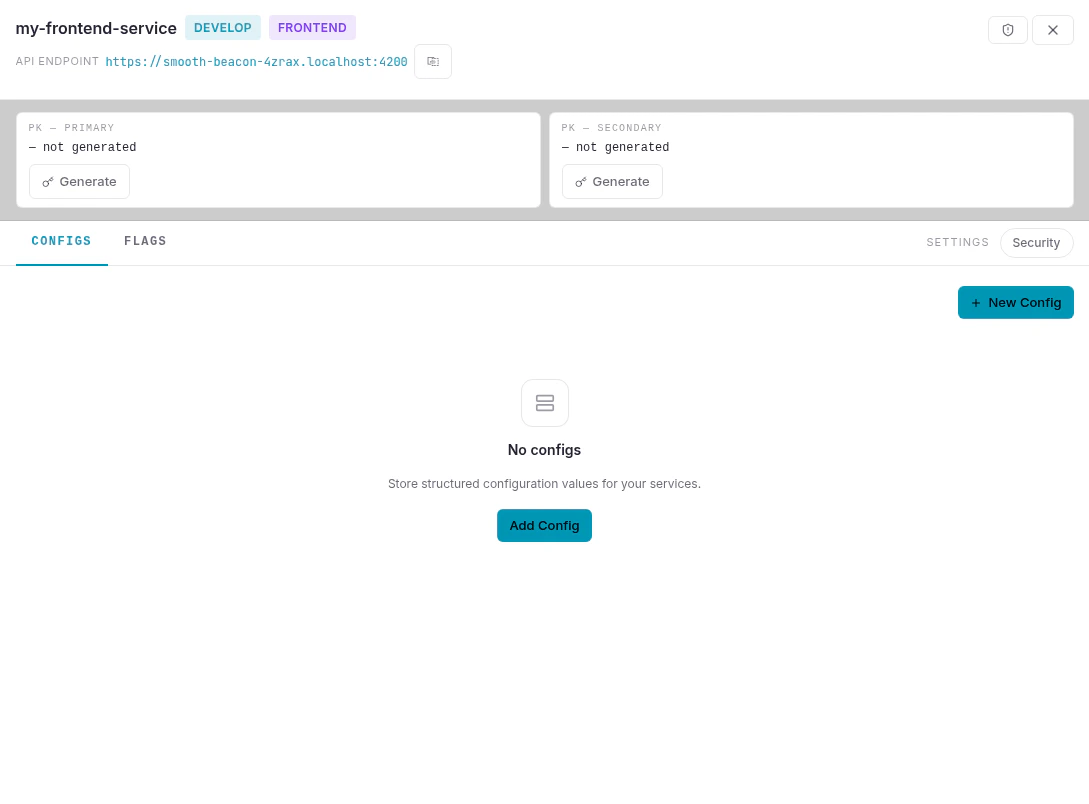
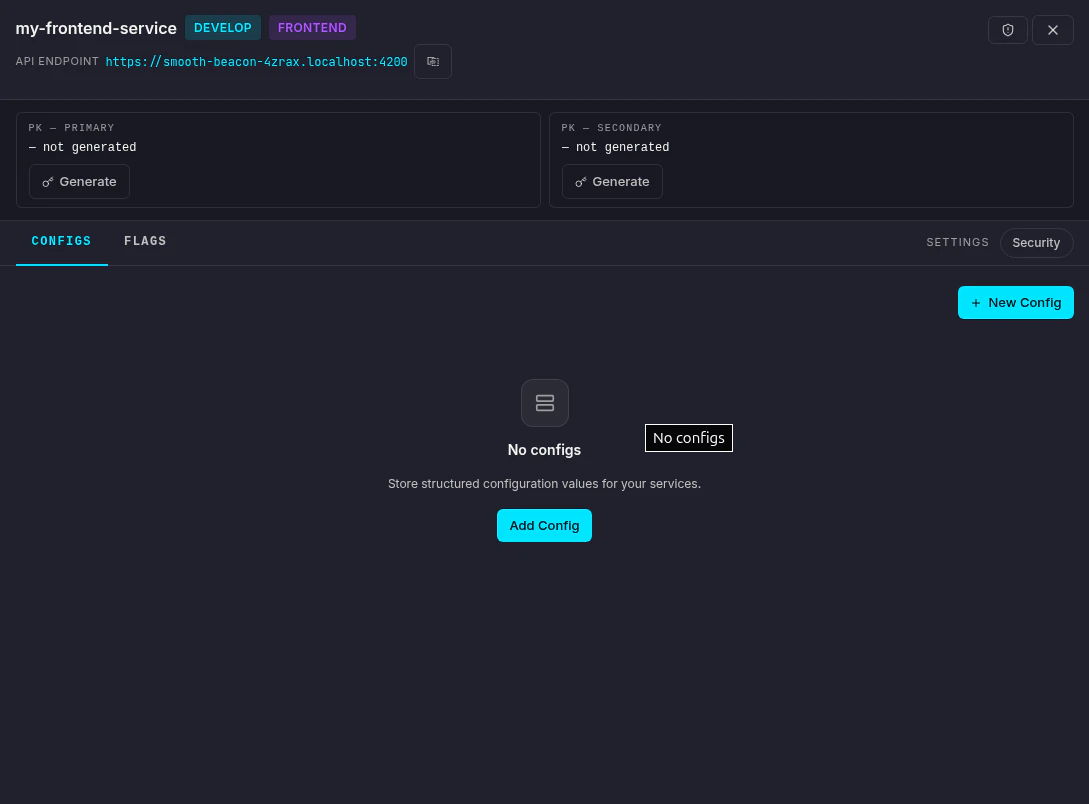
Click Create service. The service detail panel opens on the right.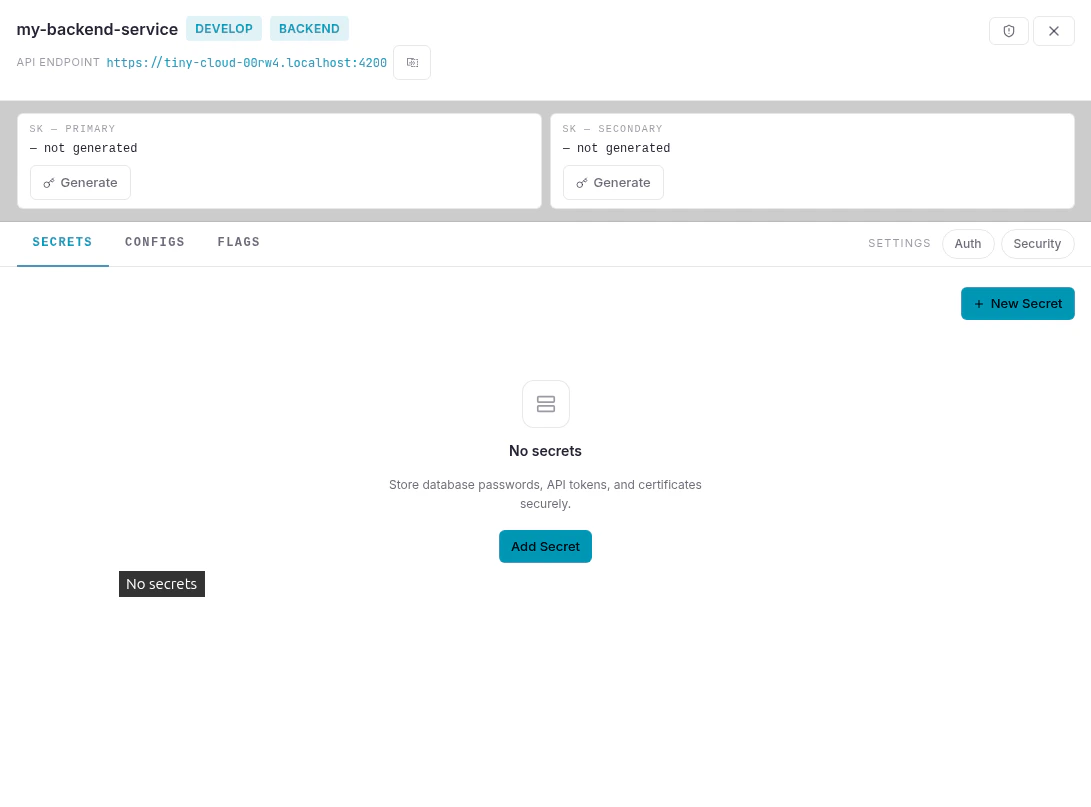
- Backend
- Frontend
- Umbrella
Link a service to an umbrella
To link an existing service to an umbrella, click the chain link icon (⛓) on the right side of the service row in the services list.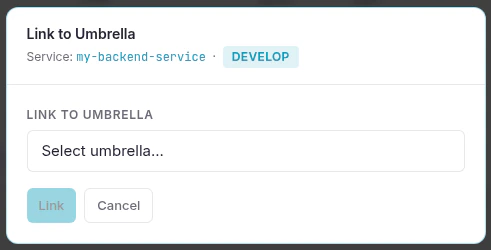
Developer environments
Each developer on the project gets their own personal developer environment with full freedom to create and modify services. These are hidden by default in the services list to avoid clutter - toggle Dev envs in the top-right corner to show them.Next steps
Create a secret
Store an encrypted secret in your service.
Create a config
Add a typed configuration value.
Quickstart
Connect an SDK to your new service.
Glossary
Understand the core concepts behind Nexus.